After spending time in several Unity projects, I decided to switch it up by trying out the latest version of Godot to learn its capabilities. I gave myself the challenge of creating a multiplayer game by myself, in 48 hours, from scratch. I had already learned the basics of navigating the engine and writing GDScript from tutorials and I wanted to put those skills to the test.
THE CONCEPT
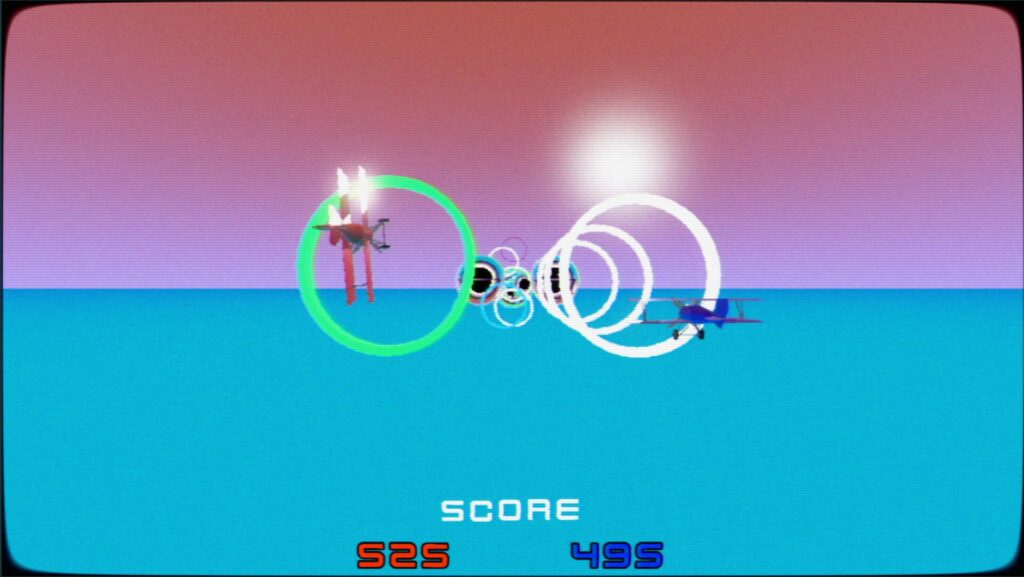
To kick off this project, I wanted to consolidate the scope of the game as much as possible so it could be finished 48 hours. However, I wanted it to be local multiplayer so my friends could compete with each other in person. This led me to making an arcade game where players would compete to reach the highest score. To accomplish this, the MVP would be a game with two control schemes, something that gives players score, and at least one hazard in the level.
I thought it would be most efficient to put the setting in the sky to prevent having to create too many level assets. This made it easy to focus on the gameplay as much as possible with the time I gave myself.
basic MOVEMENT
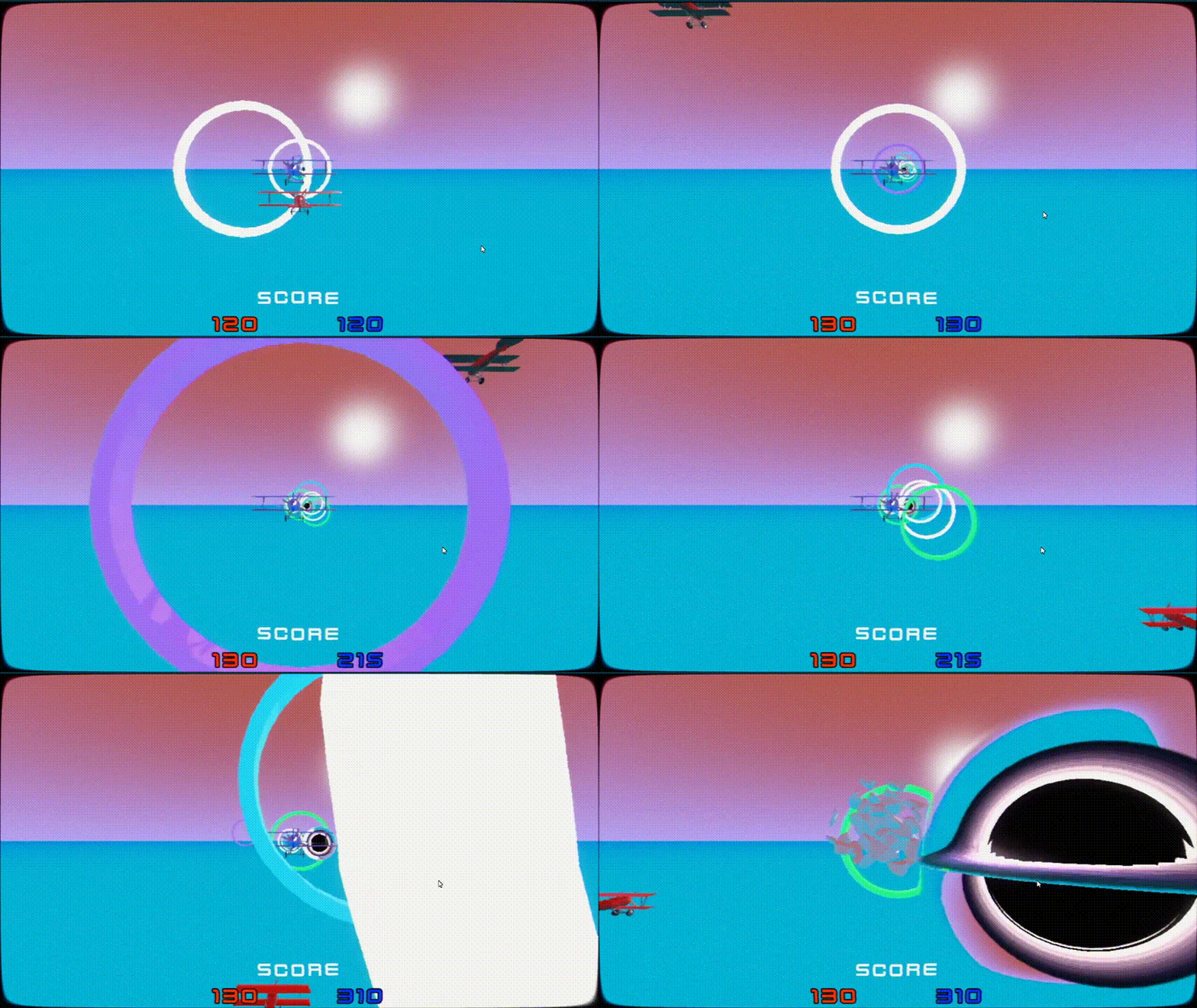
For this entire project, I challenged myself to use GDScript, a programming language that I was unfamiliar with. What’s nice is that even though I didn’t know the syntax, I wrote out the logic and utilized online resources such as Godot’s API Documentation to help me learn how to materialize it.
After enough trials, I was able to figure out how to gather input and move the character inside of dynamic screen boundaries without stuttering. Additionally, I added the some juice by letting the player spin quickly across the screen for extra points.
CREATING THE LEVEL
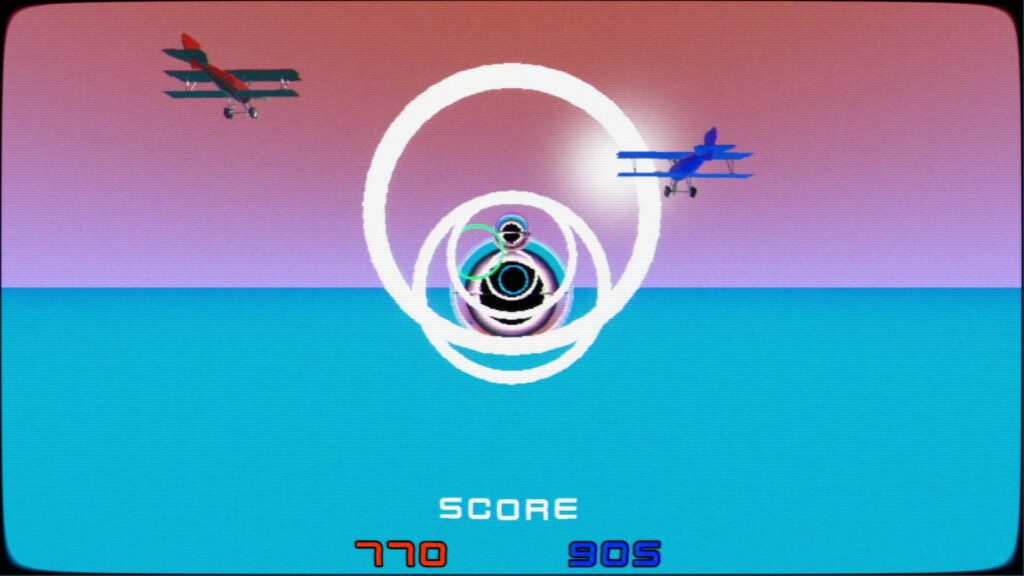
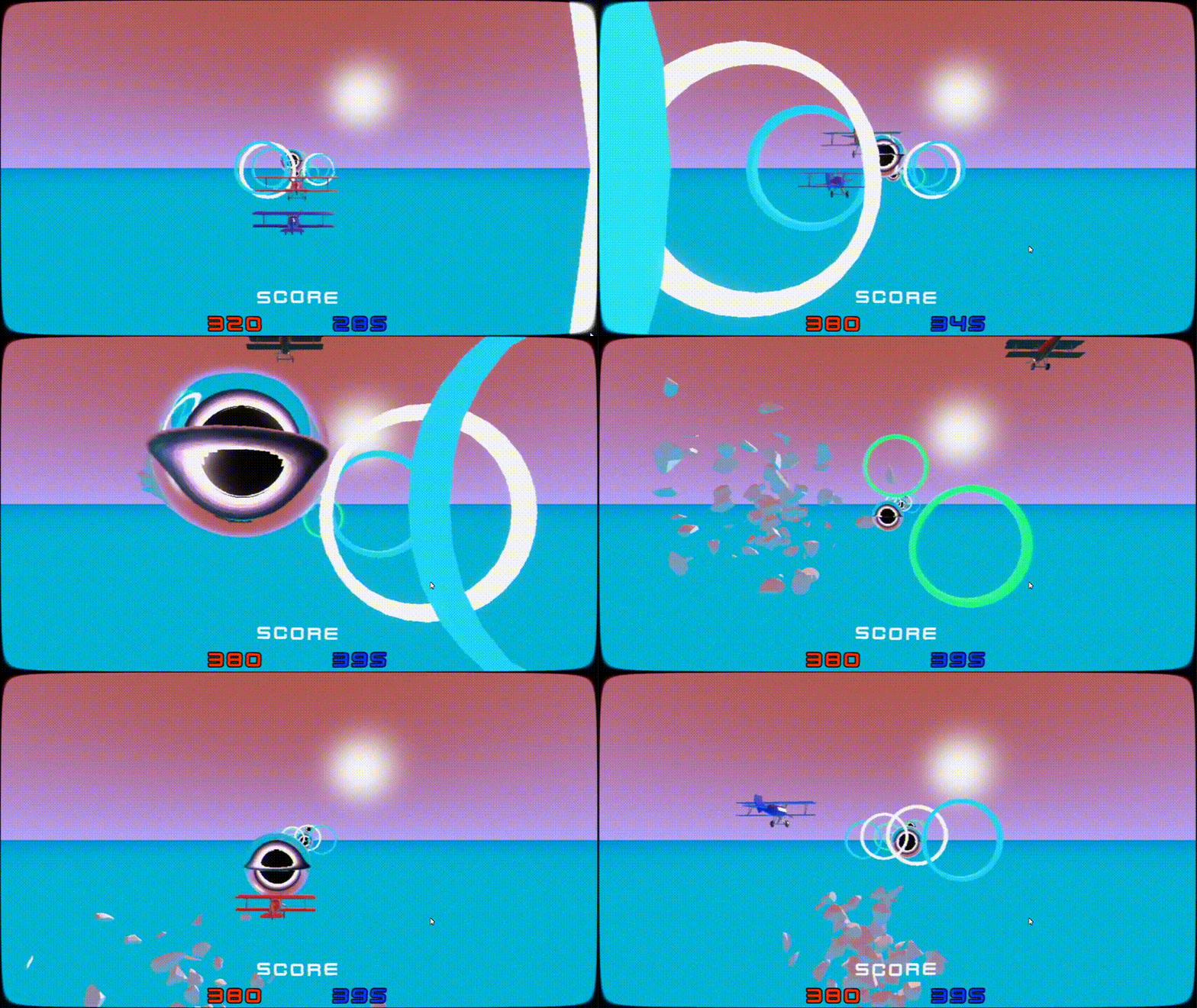
The bare minimum I needed to do to have competitive gameplay was to have a way for players to gain points through their movement skill and punish them for their lack of skill. I thought to do this by challenging them to fly through differently colored rings in the sky. The placement and size of the rings determined the color I decided to make it, which also determined the number of points the player would earn.
I found a black hole shader that could assist me for the hazards. Touching the black hole destroys the plane temporarily, which makes it so it’s impossible to earn points for a few seconds.
User interface
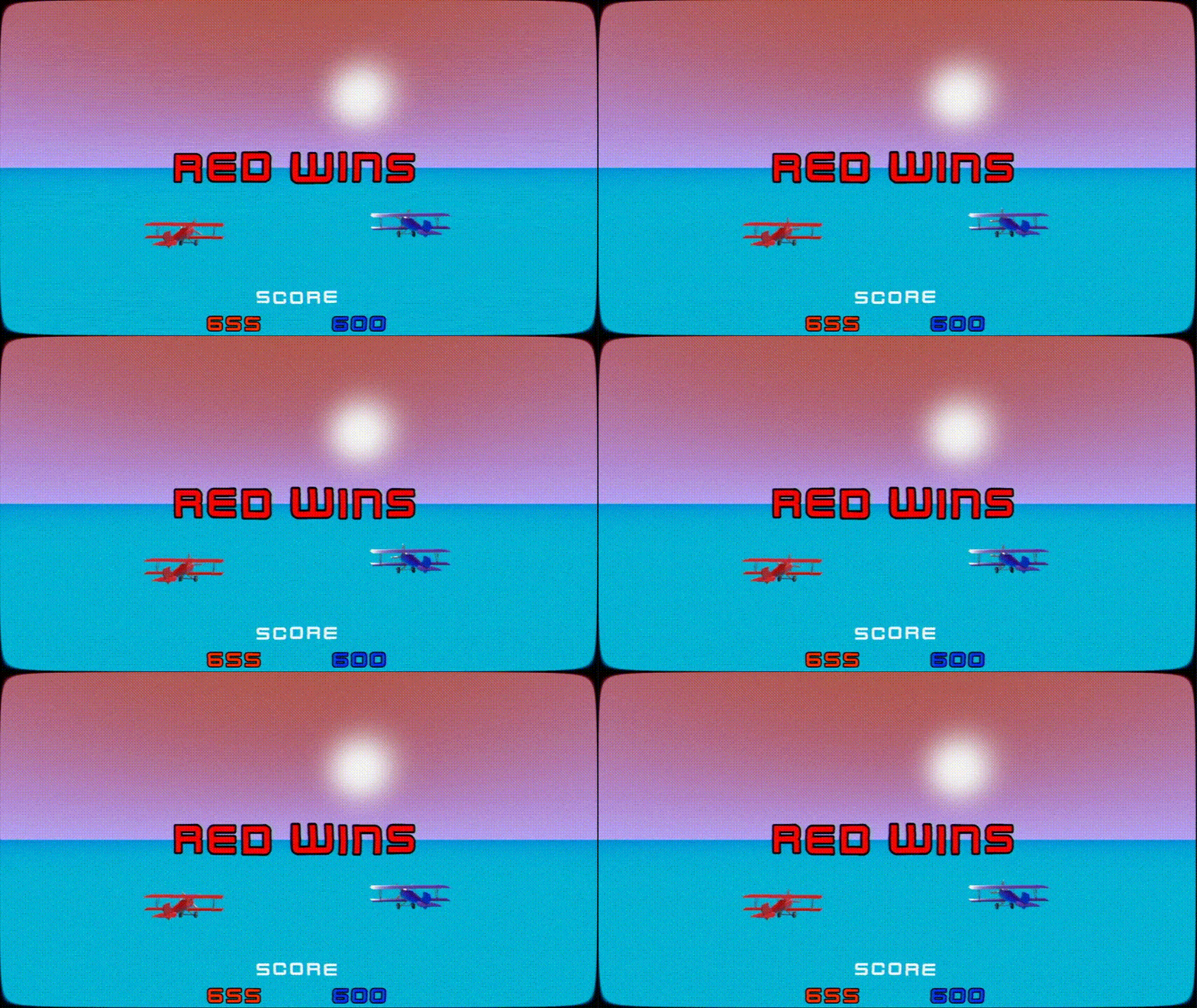
In my previous projects, I have had little exposure to work with the user interface, so learning a whole new system in Godot took a good chunk of time for this project. From principles, I was able to utilize the appropriate nodes and also create three separate scripts to control scoring. First, a collision script that sends a message to a script that tracks the score and also a script for the UI to be updated by receiving an event when the score changes in data.
For the final touches, I used Godot’s RichTextLabel node to allow for in-line commands to create a wave effect for the text and also learned how to use tweens to transition the text in and out of the screen.
After all was said and done, I was very pleased with the results of this project and I would love to continue working in Godot. I think that branching out to a new engine was worth my time because it proves that building games is not just about memorizing how to program things in a single engine, and rather it’s about developing the logic to make them come together.